Clean the Golf Yard Updates & Patch Notes
Track UPD 3.7, beach sorting, pets, and every code wave before you farm.
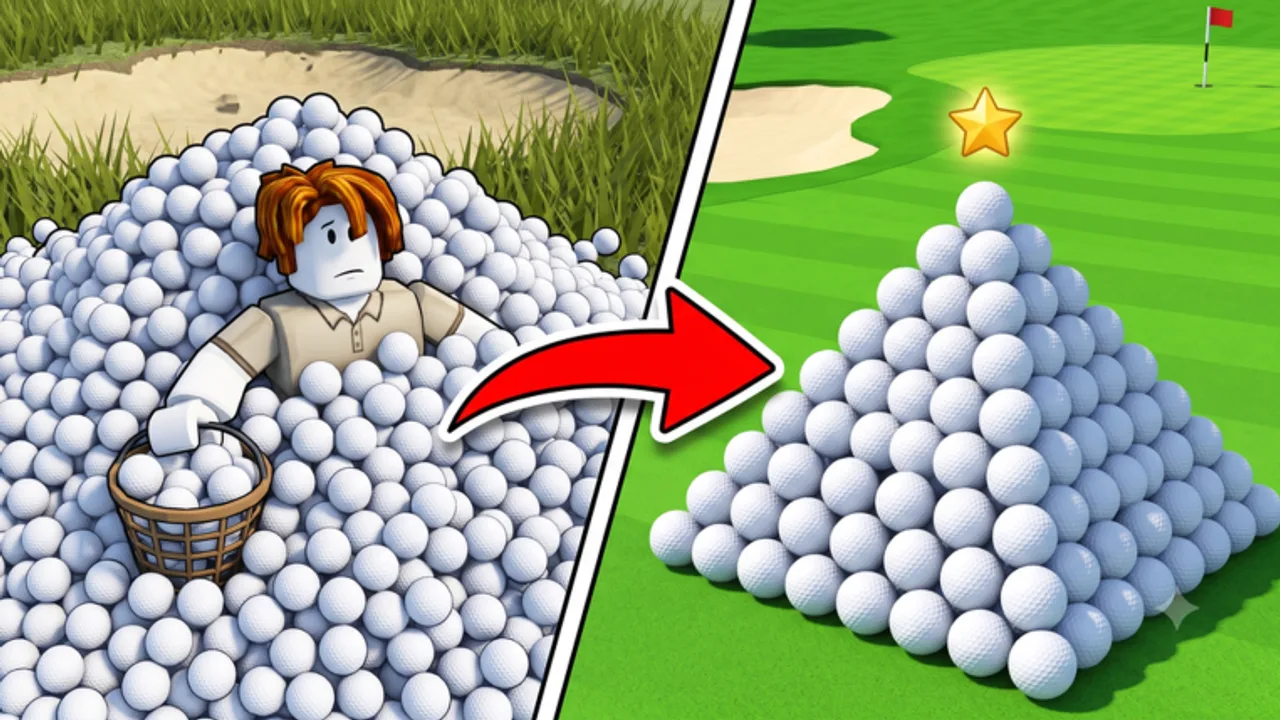
Clean the Golf Yard receives regular updates from AverageGuyStudios. This August 4, 2026 refresh reflects verified live status: the Roblox experience title now reads [UPD3.7] Clean the Golf Yard, the NEW MAP + NEW MODE event page carries the same tag, and the game description lists Current Code: 20KLIKES with the next reward milestone at 25K likes.
Whether you joined during the beach rollout or you are returning after a week away, this hub is the fastest way to confirm what is live, what moved to archive, and which wiki pages match the current build.
Latest Update
UPD 3.7 is the current live version as of August 4, 2026. Confirmed headline items:
- Beach map with litter collection and bin sorting mode
- Unlock by completing the first map on Easy
- Pets and eggs in the lobby — Standard Egg at 30 Gems, Cow adds +5 bag capacity
- Official code 20KLIKES; next milestone 25K likes
AverageGuyStudios retagged the experience from UPD 3.5 branding to UPD 3.7 without publishing a long public changelog. Intermediate UPD 3.6 may exist as a silent build step — treat whatever title tag your client shows as authoritative. For practical play, if Roblox displays UPD 3.7, you are on the current patch.
Deep dives for the two biggest new systems:
- Beach Mode guide — unlock steps, sorting habits, route prep
- Pets & Eggs guide — hatch timing, capacity pets, luck passes
What Carried Over From UPD 3.5
Beach content first appeared under UPD 3.5 branding in late July 2026. The map, sorting loop, and 20KLIKES milestone survived the title-tag bump to 3.7. UPD 3.5 notes remain useful as the first public write-up of beach sorting — historical context, not the live version label.
UPD 3.4 is fully archived for spin-wheel and July economy history. Do not treat 3.4 codes or QoL notes as describing the current Roblox title.
Post-Update Checklist
- Confirm the Roblox title shows UPD 3.7 (not 3.4 or stale 3.5 tags on third-party sites).
- Read UPD 3.7 patch notes for branding changes and known unknowns.
- Redeem 20KLIKES first, then community codes on Codes.
- Review tracker reports when Allthings and Beebom disagree on secondary strings.
- Finish Easy on the first map if beach mode is locked — see beach mode.
- Hatch capacity pets via pets & eggs before long timed clears.
- Re-test farm routes and tier lists — GolfClub and GolfKart still anchor beach lanes.
- Bookmark this hub and join Discord through Links for hotfixes faster than wiki edits.
Core Loop Still Matters
UPD 3.7 adds event maps and lobby pets but does not replace the main ~35,000 ball clear. Named cash upgrades still run BiggerHand → LazyHands → PullBalls → InstantSell → BallCollector → GolfClub → Caddy → BallMagnet → GolfKart. Fund that ladder before chasing beach cosmetics or Robux luck passes.
Special balls remain relevant on both maps: Magnet Ball for the Magnetized title, Rainbow Ball near $176 sell spikes, Shard Ball around the 300-yard line. See clear all balls for the full strategy.
Update History
| Version | Summary | Detail Page |
|---|---|---|
| UPD 3.7 | Live branding, beach + sorting, pets, 20KLIKES | UPD 3.7 notes |
| UPD 3.5 | First beach map write-up (historical) | UPD 3.5 archive |
| UPD 3.4 | QoL, spin rewards, July code wave (historical) | UPD 3.4 archive |
| Release | Core 35k ball loop | Guides |
Codes and Updates
Live Roblox description: 20KLIKES official, 25K likes next. Community-active on several trackers: 2MVISITS, 10KLIKES, GOLF, 2Kplayers. Expired or disputed: 2KLIKES, 8KLIKES, FIXES, FIXES2 — see expired archive and tracker reports before trusting Beebom lists from early August.
Redeem everything on the active codes page before farming the beach map or spending Gems on eggs.
Related Pages
Frequently Asked Questions
Quick answers to the most common questions.
What is the current Clean the Golf Yard update?
UPD 3.7 is live as of August 4, 2026 with beach map, sorting mode, and lobby pets under the [UPD3.7] Roblox title tag.
What does the Roblox description say now?
Current Code: 20KLIKES with the next milestone at 25K likes.
Is UPD 3.5 still the live version?
No. UPD 3.7 replaced the title branding. UPD 3.5 notes are historical — beach content continues under 3.7.
Where should I check after an update?
Updates hub, UPD 3.7 notes, Codes, Roblox description, Discord, and Server Stats.
Do updates add new codes?
Yes — like milestones such as 20KLIKES ship with growth and patches. Watch for 25K likes next.
Should I revisit tier lists after UPD 3.7?
Yes. Named upgrades like GolfClub and GolfKart still shift route meta on beach lanes.