Clean the Golf Yard Getting Started Guide
Everything a new player needs in the first hour on the golf course.
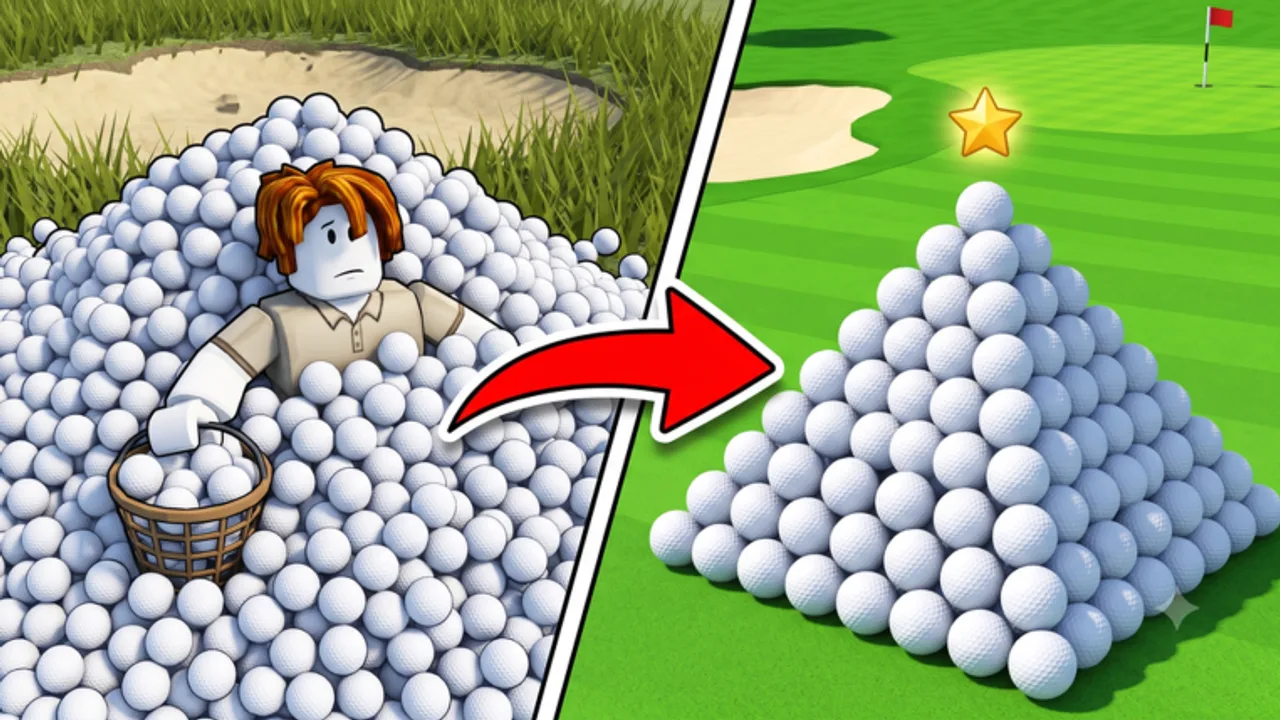
Clean the Golf Yard by AverageGuyStudios drops you onto a golf course buried under thousands of stray balls. Your job is simple: collect them, sell them, and reinvest the cash into upgrades and equipment until you are the fastest cleaner on the server. This guide covers your first hour on UPD 3.7 as of August 4, 2026 — from spawning in to making your first smart purchase.
Step 1: Join and Learn the Layout
Launch the game from the official Roblox page and wait for a server to load. You spawn near the main fairway with balls scattered in every direction. Take ten seconds to look around: balls respawn across the course after collection, so there is always more to gather. You do not need to clear one zone completely before moving on — mobility matters more than perfection early on.
If you play with friends, read the Multiplayer guide later. For now, focus on solo fundamentals.
Step 2: Redeem Every Active Code
Before you grind manually, claim free Fragments:
- Press N (PC) or tap the Codes icon (mobile).
- Redeem 20KLIKES first — the official Current Code on the live Roblox description (August 4, 2026).
- Then redeem community-active strings from our Codes page: 2MVISITS (100 Fragments), 10KLIKES (100 Fragments), GOLF (50 Fragments), and 2Kplayers (150 Fragments — note lowercase p).
- Skip expired codes like 2KLIKES, FREESPIN, 8KLIKES, FIXES, and 5KLIKES — see our Expired Codes page for the full archive.
- If Beebom or RoCodes lists disagree, read tracker reports before retrying old strings.
- Confirm Fragments appear in your currency display.
Fragments are premium currency used for radius, speed, and ability upgrades. Starting with 20KLIKES plus up to 400 Fragments from community codes puts you ahead of players who skip this step. See How to Redeem Codes if anything fails.
Step 3: Pick Up Your First Balls
Controls depend on your device — full details live on the Controls hub:
- PC: Press E or Left Click near a ball to pick it up.
- Controller: Hold RT while moving over balls.
- Mobile: Tap the pickup button or walk into balls with auto-pickup enabled.
Walk through the nearest cluster and collect until your inventory fills or you hit the sell prompt. Early pickup radius is small, so stay close to ball groups rather than sprinting across empty grass.
Step 4: Sell and Collect Cash
Find the sell zone or sell NPC marked on the course (usually near spawn or the shop hub). Interact to convert held balls into cash. Cash is your primary progression currency for standard upgrades and basic equipment.
Sell often in the early game. Hoarding balls does not help until you unlock capacity upgrades described in the Upgrades guide. Frequent sells mean faster upgrade purchases.
Step 5: Buy Your First Upgrades
Open the Upgrades menu from the shop UI. Named cash upgrades follow a proven order documented in clear-all-balls: BiggerHand → LazyHands → PullBalls → InstantSell → BallCollector → GolfClub → Caddy → BallMagnet → GolfKart. For stat priorities before expensive karts:
- Pickup Radius — grab more balls per step.
- Sell Value / Multiplier — more cash per ball sold.
- Movement Speed — reach dense ball clusters faster.
This matches our upgrade tier list for early game. Avoid cosmetic or luxury equipment until radius and sell value are at least mid-tier.
Spend Fragments on the same stats if the Fragment shop offers better multipliers than cash prices. The Fragments guide compares both shops.
Step 6: Unlock Abilities
Once abilities unlock, you get two active slots:
- Slot 1 — press 1 on PC or D-Pad on controller.
- Slot 2 — press 2 on PC or D-Pad on controller.
Abilities might include short bursts of magnet radius, speed boosts, or area collection depending on what you have purchased. Read the full Abilities guide when Slot 2 opens — timing abilities during dense ball zones multiplies income dramatically.
Step 7: Buy Your First Equipment
Equipment changes how you interact with the course. Early shop upgrades follow the named route BiggerHand ($25) → LazyHands → PullBalls → InstantSell → BallCollector → GolfClub ($1,500) → Caddy → BallMagnet → GolfKart ($15,000). Community guides may call late vehicles “tractors” — see clear-all-balls and equipment tier list. Check the Equipment tier list before spending big — some tractors look impressive but underperform until your radius stat catches up.
Step 8: Scale Income
After the first upgrade cycle, switch to the Earn Cash Fast guide for route optimization, sell timing, and when to reinvest vs save for tractors. Use the Upgrade Calculator if you are deciding between two expensive purchases.
First-Hour Checklist
- Redeem all codes
- Learn controls for your platform
- Pick up and sell at least three full inventories
- Buy pickup radius + sell value upgrades
- Spend Fragments on radius if cash upgrades are capped
- Favorite the game and join Discord for future codes
- Check UPD 3.7 notes for beach map and sorting mode
- Read Beach Mode and Pets & Eggs after Easy unlock
Common Beginner Mistakes
Skipping codes — you lose 20KLIKES and community rewards permanently if active codes expire before you redeem them.
Buying tractors too early — equipment amplifies your stats; weak radius makes even S-tier tractors feel slow.
Ignoring sell multiplier — radius collects more balls, but sell value determines how much each ball pays. Balance both.
Running random scripts — third-party executors risk bans. Read Scripts safety notes before trying automation.
What Comes Next
Once you can afford mid-tier upgrades and your first tractor, progress shifts from survival to optimization. Track leaderboard rank on the Players page, experiment with ability combos, and revisit the Tier List whenever AverageGuyStudios ships a balance patch.
New in UPD 3.7
After your first sales, complete the first map on Easy to unlock the beach sorting event — details in UPD 3.7 patch notes and the Beach Mode guide. Hatch pets in the lobby via Pets & Eggs. Read progression, badges, and game passes for long-term goals.
Frequently Asked Questions
Quick answers to the most common questions.
What should I do first in Clean the Golf Yard?
Redeem 20KLIKES and community codes from the codes page, pick up balls, sell, buy BiggerHand and radius upgrades, then finish Easy for UPD 3.7 beach unlock.
How do I pick up golf balls?
On PC press E or Left Click. On controller use RT. On mobile use the touch pickup control.
What are Fragments used for?
Fragments are premium currency from codes and rewards. Spend them on high-impact upgrades like radius and value before cosmetics.
What is UPD 3.7?
UPD 3.7 is the live version tag with beach sorting mode after Easy on the first map. Classic fairway farming still matters for badges and cash.
Do I need Game Passes as a beginner?
No. Redeem codes and follow free upgrades first. Passes are optional later.
Where do I learn controls?
Check our Codes page for 20KLIKES, join Discord, and watch for the 25K likes milestone.