Clean the Golf Yard Wiki
Roblox codes, controls, tier lists, and upgrade guides for Clean the Golf Yard.
Unofficial Clean the Golf Yard wiki — codes, controls, tier lists, and tools to clear the course faster every session.
- 4k+
- Peak CCU
- UPD 3.4
- Latest patch
- 2
- Active codes
- 5
- Wiki languages
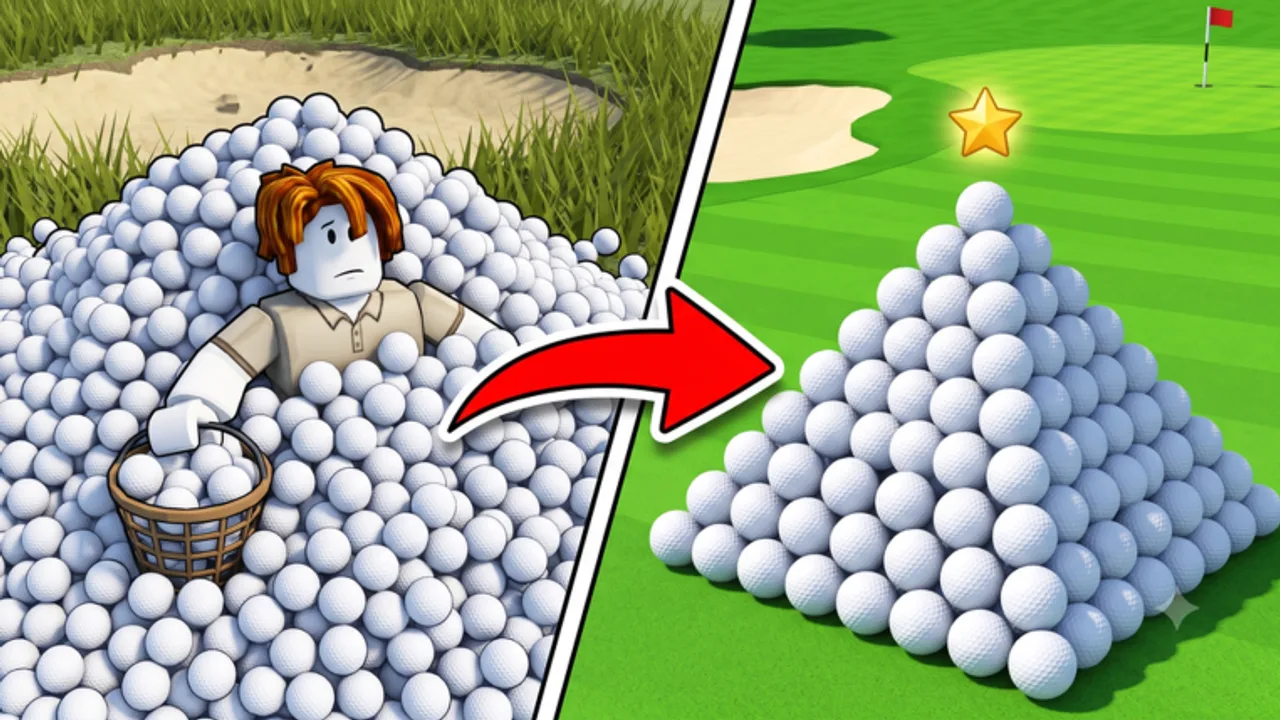
Scoop, sell, upgrade — repeat
Everything you need to dominate the golf yard
Clean the Golf Yard is a Roblox simulator by AVERAGEGUYSTUDIOS. Thousands of golf balls cover the course and every pickup earns cash you reinvest into pickup radius, equipment, and abilities.
This wiki tracks working codes, beginner guides, controls, tier lists, scripts, and upgrade tools so you spend less time guessing and more time clearing the yard.
As of July 2026, only two codes are confirmed active — see the full codes list. Retired milestone strings live in the expired codes archive, and the spin wheel guide covers FREESPIN and other uncertain spin rewards.
Every hub you need, organised by what players search for most.
Codes
All working Clean the Golf Yard Roblox codes for free Fragments and Spins, plus step-by-step redemption help and expiry notes.
Read guide GuidesGuides
Complete Clean the Golf Yard Roblox guides: beginner walkthroughs, cash farming, upgrades, abilities, Fragments, and multiplayer tips.
Read guide ControlsControls
Complete Clean the Golf Yard Roblox controls hub for PC, mobile, and controller — pickup, abilities, codes menu, and platform-specific tips.
Read guide Tier ListTier List
Clean the Golf Yard UPD 3.4 tier lists for equipment and upgrades — S through D rankings with ROI notes for Roblox collectors.
Read guide UpdatesUpdates
Clean the Golf Yard Roblox update history and patch notes hub — UPD 3.4 features, codes, balance changes, and what to do after each patch.
Read guide ScriptsScripts
Clean the Golf Yard scripts: auto collect, auto sell, auto upgrade features, risks, and safe alternatives for UPD 3.4.
Read guide ToolsTools
Clean the Golf Yard Roblox tools hub: upgrade calculator and planners to optimize Fragment and cash spending for UPD 3.4 progression.
Read guide PlayersPlayers & Leaderboards
Clean the Golf Yard leaderboard guide: how rankings work, stats tracked, climb strategies, and UPD 3.4 tips for top Roblox collector rank.
Read guide LinksLinks
Official Clean the Golf Yard Roblox links: game page, Discord server, community resources, and trusted wiki pages for UPD 3.4 players.
Read guideTop working codes — redeem before they expire
| Code | Reward | Status | Copy |
|---|---|---|---|
2KLIKES | 100 Fragments | Active | |
GOLF | 25 Fragments | Active |
Quick reference for every platform
| Action | PC | Mobile | Controller |
|---|---|---|---|
| Pick up balls | E / Left Click | Tap screen | RT (Right Trigger) |
| Use ability 1 | 1 | Ability button | D-Pad Up |
| Use ability 2 | 2 | Ability button | D-Pad Down |
| Open codes menu | N | Codes icon | — |
Stay current after every patch
Find your next best purchase
Deep, beginner-friendly walkthroughs for common questions.
Codes
All working Clean the Golf Yard Roblox codes for free Fragments and Spins, plus step-by-step redemption help and expiry notes.
Read guide GuidesGuides
Complete Clean the Golf Yard Roblox guides: beginner walkthroughs, cash farming, upgrades, abilities, Fragments, and multiplayer tips.
Read guide GuidesGetting Started
Beginner walkthrough for Clean the Golf Yard Roblox: first pickup, selling balls, redeeming codes, and your first upgrades on UPD 3.4.
Read guide Tier ListTier List
Clean the Golf Yard UPD 3.4 tier lists for equipment and upgrades — S through D rankings with ROI notes for Roblox collectors.
Read guide UpdatesUPD 3.4 Patch Notes
Clean the Golf Yard UPD 3.4 patch notes: new features, active codes, spin rewards, balance tweaks, and post-update checklist.
Read guide GuidesEarn Cash Fast
Maximize cash per hour in Clean the Golf Yard Roblox: optimal routes, sell timing, upgrade order, and equipment picks for UPD 3.4.
Read guide GuidesSpin Wheel Guide
How the Clean the Golf Yard spin wheel works, FREESPIN code rewards, best spin prizes, and Fragment tips for UPD 3.4 Roblox players.
Read guideNew to Clean the Golf Yard? Follow these five steps.
- 1
Join the game and redeem codes
Launch Clean the Golf Yard on Roblox, press N (or tap the Codes icon on mobile), and redeem 2KLIKES and GOLF — the two codes confirmed active in July 2026. Check the expired codes archive if older milestone strings fail.
- 2
Pick up and sell your first cluster
Walk the fairway and press E or left-click to scoop nearby golf balls. Sell them at the shop to build your starting cash pool.
- 3
Upgrade pickup radius first
Spend early cash on pickup radius levels — bigger radius clears ball piles faster than rushing expensive equipment.
- 4
Unlock better equipment
Once radius is comfortable, buy the next equipment tier (Push Cart, then Ride-on Mower) to multiply how many balls you collect per second.
- 5
Team up and chase leaderboards
Invite friends to split the course, activate abilities with 1/2 on PC, and reinvest profits until you can afford Industrial Vacuum or Mega Collector gear.
Game FAQ
Quick answers to the most common questions.
What is Clean the Golf Yard?
Clean the Golf Yard is a Roblox simulator where you collect thousands of stray golf balls across a course, sell them for cash, and upgrade your pickup radius and equipment. Play solo or co-op with friends.
How do I redeem codes?
Open the game, press N on PC or tap the Codes icon on the left side of the screen, type the code exactly as shown, and click Redeem. Codes grant Fragments, spins, or other boosts.
What should I upgrade first?
Pickup radius is the best early investment because it lets you clear larger clusters in one pass. Upgrade equipment once radius stops feeling like the bottleneck.
Which languages are supported?
This wiki supports: English, Français, Deutsch, Español, Português (BR). Configure locales in site.meta.json and run npm run generate:i18n.
Is this an official wiki?
No. This is an unofficial fan-made resource for Clean the Golf Yard on Roblox. Always confirm codes and patch notes through the official Roblox page or developer Discord.